
SONiC Hands-On Labs


About Course
route2open SONiC Hands-On Labs
Practise Enterprise SONiC in a live lab environment, with nothing to install
The best way to learn SONiC is to configure it yourself. SONiC Hands-On Labs give you your own pre-built lab environment where you build, automate and troubleshoot SONiC switches the way you would in a real data center or campus network.
Each lab is based on a real task a network engineer would face. You get a background scenario, a topology, step-by-step instructions, hints and a verification step that shows whether you got it right. You connect to the lab with your own login details, and every device is already wired up and ready to go.
What you’ll practise
- Switch basics and management: installing SONiC with ONIE, hostname and management IP setup, user accounts and RADIUS authentication, Zero Touch Provisioning (ZTP), and the CLICK and Klish command-line interfaces, including configuration backup.
- Layer 2: interface configuration, VLANs and department separation, MCLAG and port channels.
- Layer 3 and high availability: static routing, OSPF, BGP, BGP with BFD, VRRP and DHCP Relay.
- Data center fabrics: EVPN VXLAN with a spine-leaf topology, anycast gateways and VLAN-to-VNI mapping.
- Automation and programmability: Ansible playbooks, RESTCONF via Swagger UI, and gNMI with gnmic.
- Operations and troubleshooting: finding interface mismatches (admin state, FEC, VLAN), checking LLDP, analysing drop counters and collecting tech-support logs.
- Security: setting up and testing access control lists (ACLs).
Why route2open Labs
- Real SONiC, not slides. You work on virtual SONiC switches, Linux servers and an Ansible controller in a realistic topology.
- Built around scenarios. Every lab starts with a job to do, not a list of commands.
- Matched to the course. The labs follow the Enterprise SONiC Linux course module by module, so you can practise each topic as you learn it.
- Self-paced. You get step-by-step guidance and hints, and solutions are available for reviewing your work.
- Remote access. You connect from your own PC over SSH or a browser.
Who it’s for
Network engineers, data center and campus administrators, and NetOps or automation engineers who are moving to open networking or getting ready to run SONiC in production.
Course Content
Module 1: Getting Started with the Labs
Module 2: Initial SONiC Setup
Module 3: Introducing the CLI Interface and Interface Configuration
Module 4: Redundancy Methods
Module 5: Routing Protocols in SONiC
Module 6: Automation in SONiC
Module 7: Troubleshooting for SONiC
Module 8: VXLAN/EVPN
Module 9: Campus Deployments
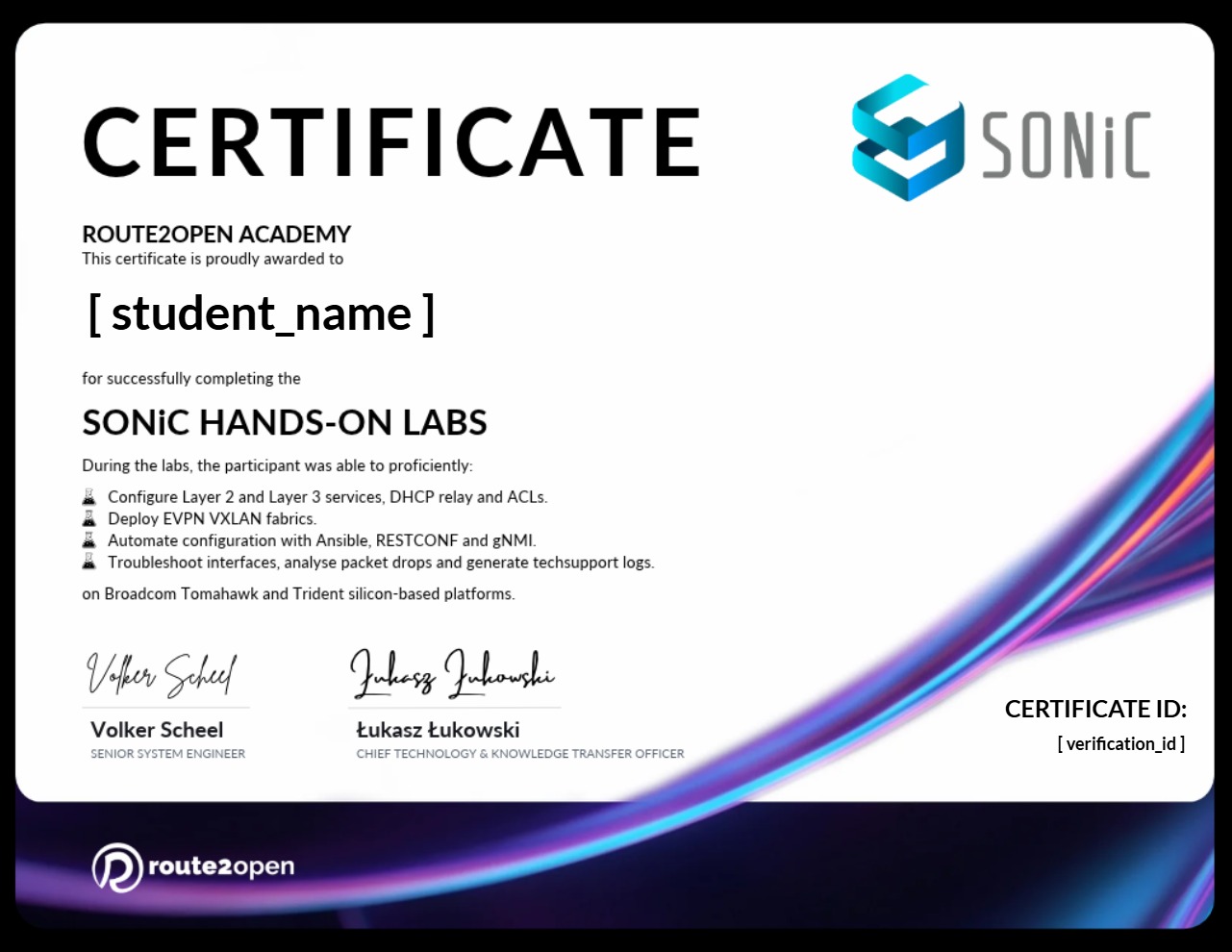
Earn a certificate
Add this certificate to your resume to demonstrate your skills & increase your chances of getting noticed.
Student Ratings & Reviews