About Course
4-Day SONiC Bootcamp for System Administrators
- Date: Oct 20-23
Our Network Operating Systems Training offers a comprehensive SONiC Bootcamp designed for system administrators. This intensive SONiC Linux training provides practical, hands-on experience with Enterprise SONiC Distribution by Broadcom, covering everything from basic configuration to advanced routing and automation. It’s designed for practical, hands-on learning and in-depth understanding of Enterprise SONiC Distribution by Broadcom.
Day 1: SONiC Linux Introduction and Configuration
Introduction to SONiC:
- Exploring Linux Concepts, Containers, Redis Database
- What is SONiC? General Introduction and System Architecture
Initial SONiC Set-Up:
- Accessing the Switch, Introduction to ONIE, Installing, and Upgrading SONiC
- Configuring Switch Management Access, User Authentication
- Zero Touch Provisioning (ZTP) and Automation Options
Configuration Methods:
- Detailed Configuration Methods in SONiC
- Management Framework, Klish CLI
- Configuration Sessions
- Basic Physical Interface Configuration and Validation
- Interface Ranges, Port Groups, Breakout Configurations
- Port Channels (Link Aggregation), VLAN Configuration
- Layer 2 and Layer 3 Ports
Hands-On Day 1:
- Installing SONiC, Configuring Hostnames, User Access
- Interface Configurations, IP Addressing, LLDP Checks
Day 2: Advanced Routing and Automation
Redundancy Methods:
- Layer 2 and 3 Redundancy: STP, MC-LAG, VRRP, SAG
Routing Protocols:
- Introduction to Routing Protocols, SONiC Routing Architecture
- Configuring and Validating BGP, OSPF, Static Routes
- Displaying and Influencing Routing Table
- DHCP Relay
- Improving Convergence Time with BFD
Automation:
- Introduction to Automation in SONiC, Use Cases
- Automation with Ansible: Concepts, Prerequisites, Deployment
- Automation with RESTCONF and gNMI: YANG Model, Config Deployment
Hands-On Day 2:
- MCLAG Configuration, VLAN Configurations
- BGP Configurations, IPv4/Unnumbered Peers, Loopback Interfaces
- BFD on BGP Peers, BGP Network Advertisements
- Automation with Ansible and Postman: Interface Information, VLAN Configuration
Day 3: VXLAN, EVPN, and Troubleshooting
VXLAN, EVPN:
- Introduction to VXLAN, EVPN, Layer 2/3 VPNs
- Connecting multihomed hosts: Logical VTEP and EVPN Multihoming
- Asymmetric and Symmetric IRB, Monitoring VXLAN and EVPN
- Datacenter Interconnect (DCI): Types, Benefits, Multisite DCI
Troubleshooting:
- Overview of Troubleshooting in SONiC
- Interface Troubleshooting: Validating Cabling, Transceivers
- Telemetry and Monitoring: sFlow, Traffic Mirroring, SPAN, ERSPAN
- Analyzing Packet Drops, Mirror on Drop
- Switch Information
- Generating Tech Support Information, Debugging Applications
Hands-On Day 3:
- Configuring Layer 2 and Layer 3 VPNs with VXLAN and EVPN
Day 4: Campus Focus
This part of the bootcamp delves into campus-specific topics like Power over Ethernet, Port Access Control, IP Helper, and more. It is particularly beneficial for those looking to enhance their campus network management skills.
Power Over Ethernet (PoE):
- Introduction and Configuration of PoE
- Monitoring PoE Status
LLDP-MED:
- Power Negotiation and Voice VLAN Information
Port Access Control:
- Overview of 802.1x, MAC Authentication Bypass
- Host Modes, assigned VLANs, and Dynamic ACLs
- Configuration and Verification
IP Helper:
- Configuration and Verification
Port Security:
- Configuration and Verification
DHCP Snooping:
- Configuration and Verification
Access Control Lists (ACLs):
- Types and Configuration
- Using ACL Counters for Monitoring
Hands-On:
- Practical implementation of Port Access Control and ACLs
Course Details
- Duration: 4 days (R2O-SON-BRC-BT-4D)
- Instruction Time: 24 hours total (6 hours per day)
- Break: 1-hour daily lunch break
- Date: Oct 20-23
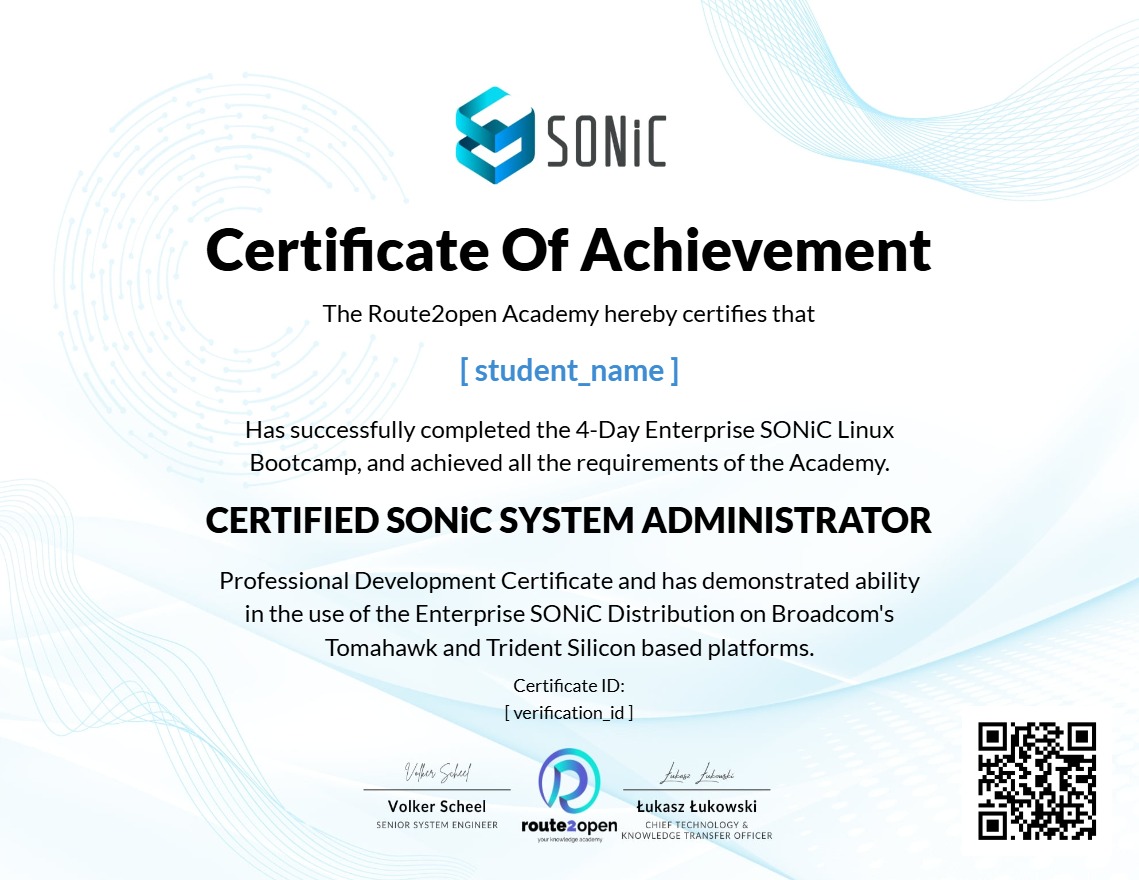
Upon completion of this bootcamp, you’ll be eligible to receive your certificate. This certification demonstrates your proficiency in managing and troubleshooting SONiC networks and is a highly valued credential within the industry.
Enroll in the Network Operating System SONiC based on Linux Bootcamp today and become a certified SONiC expert. This is the best SONiC course available, offering SONiC Linux training from the leading SONiC networking experts.
For more information visit our SONiC Bootcamp page or download the datasheet.
Earn a certificate
Add this certificate to your resume to demonstrate your skills & increase your chances of getting noticed.