Lab 4: Zero Touch Provisioning (ZTP)
What you will learn: how to configure a switch automatically with ZTP.
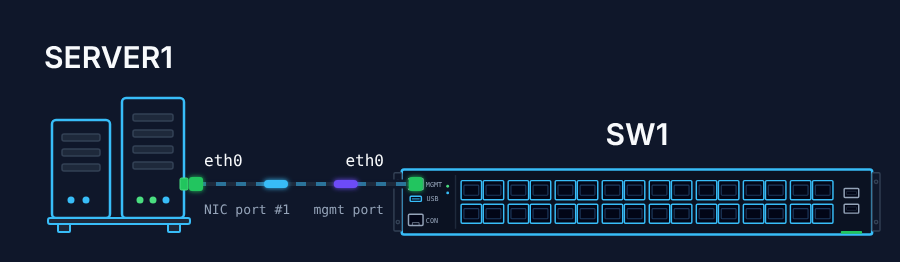
The network team configures SONiC on many switches with ZTP: a DHCP server points each switch to a configuration file, which the switch downloads and applies by itself. Your task is to set up ZTP for SW1 and let it load its configuration.
Step 1: Point the DHCP server at the ZTP service
SERVER1 is the HTTP and DHCP server in your management network, and the DHCP and HTTP configuration and the ZTP JSON file are already on it. Log in to SERVER1 (stordis / route2open) and update the DHCP configuration to use the ZTP service.
Step 2: Enable ZTP on SW1
Enable the ZTP service on SW1 to start the ZTP process. Everything ZTP needs is on SERVER1 in /etc/www/html/ztp.
Step 3: Check the result
Verify that SW1 downloaded its configuration from SERVER1 correctly.
Hints
- The default credentials are
admin/YourPaSsWoRd. - ZTP is on by default after SONiC is installed; in this lab it is switched off on SW1.
- ZTP needs a DHCP server.
- ZTP starts only when the switch has no startup configuration (
/etc/sonic/config_db.json).