Lab 3: User accounts and authentication methods
What you will learn: how to set up RADIUS authentication on a new switch.
You have been asked to connect a new switch to an existing network to expand its capacity. Before it goes into use, it has to authenticate logins against RADIUS, so that a technician can log in with the credentials they were given earlier.
Step 1: Check the AAA configuration
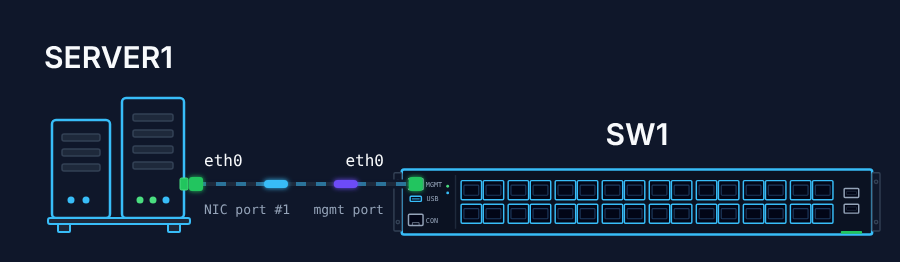
A RADIUS server, SERVER1, handles authentication in the network. Log in to the switch with the default credentials and check its AAA configuration.
Step 2: Add the RADIUS server
Add SERVER1 to the switch’s RADIUS configuration and verify it:
- IP address:
10.10.1.200 - Authentication type: PAP (the default)
- Authentication port: 1812 (the default)
- Key:
Radius2Open
Step 3: Make RADIUS the default login method
Set RADIUS as the default login method, save the configuration and log out. Check that you can log in with the account the system administrator created: stordis / route2open.
Hints
- The default credentials are
admin/YourPaSsWoRd. - Make sure both devices are in the same network and can ping each other.
- A wrong AAA configuration can lock you out, and then SONiC has to be reinstalled. Check it before you log out.